

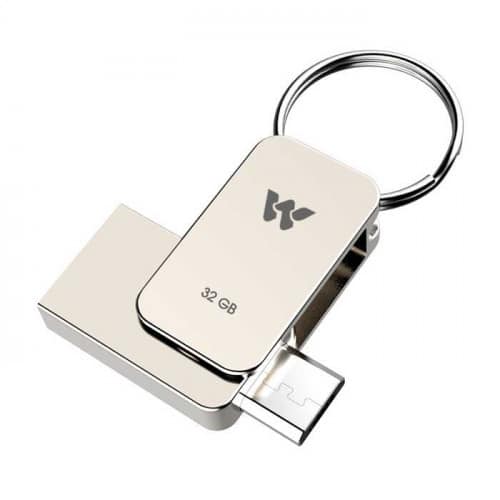

If you have purchased a flash drive with 16 GB storage then you can only use 14.4 GB out of 16 GB. You might be wondering where is additional 1.6 GB? Well every storage device keeps some amount of memory for system files so that the format of drive can be identified which makes the operation convenient so it takes some space. There is basically 3 reason besides this.
- Different operating systems treat your disk differently. Windows OS may not show the disk space like Linux, Mac or Unix. There are little discrepancies between the file formats and algorithms used by different operating systems. (It doesn’t matter much)
- Another reason is that- A portion of memory space is reserved for system files and data sector for better performance. This is the primary reason behind the less usable space than the mentioned space.
- The last reason but not the least is the calculation method used by the disk manufacturing companies. They consider 1 KB = 1000 Bytes. But your OS may consider it as 1 KB = 1024 KB. Here you are also losing a considerable amount of disk space.
Virtual Storage
1 MB = 1024 KB
1 GB = 1024 MB
8 GB = 8192 MB
7.2 GB = 7372 MB
Disk Storage
1 MB = 1000 KB
1 GB = 1000 MB
8 GB = 8000 MB
7.2 GB = 7200 MB
If this article helped you, please consider supporting our work. Every small contribution keeps Abijita.com independent and running.

Now what do you think? Shouldn’t the manufacturer mention the actual usable memory on the packet? 🙂


1 Comment
Leave a Reply





Thanks for sharing this info.