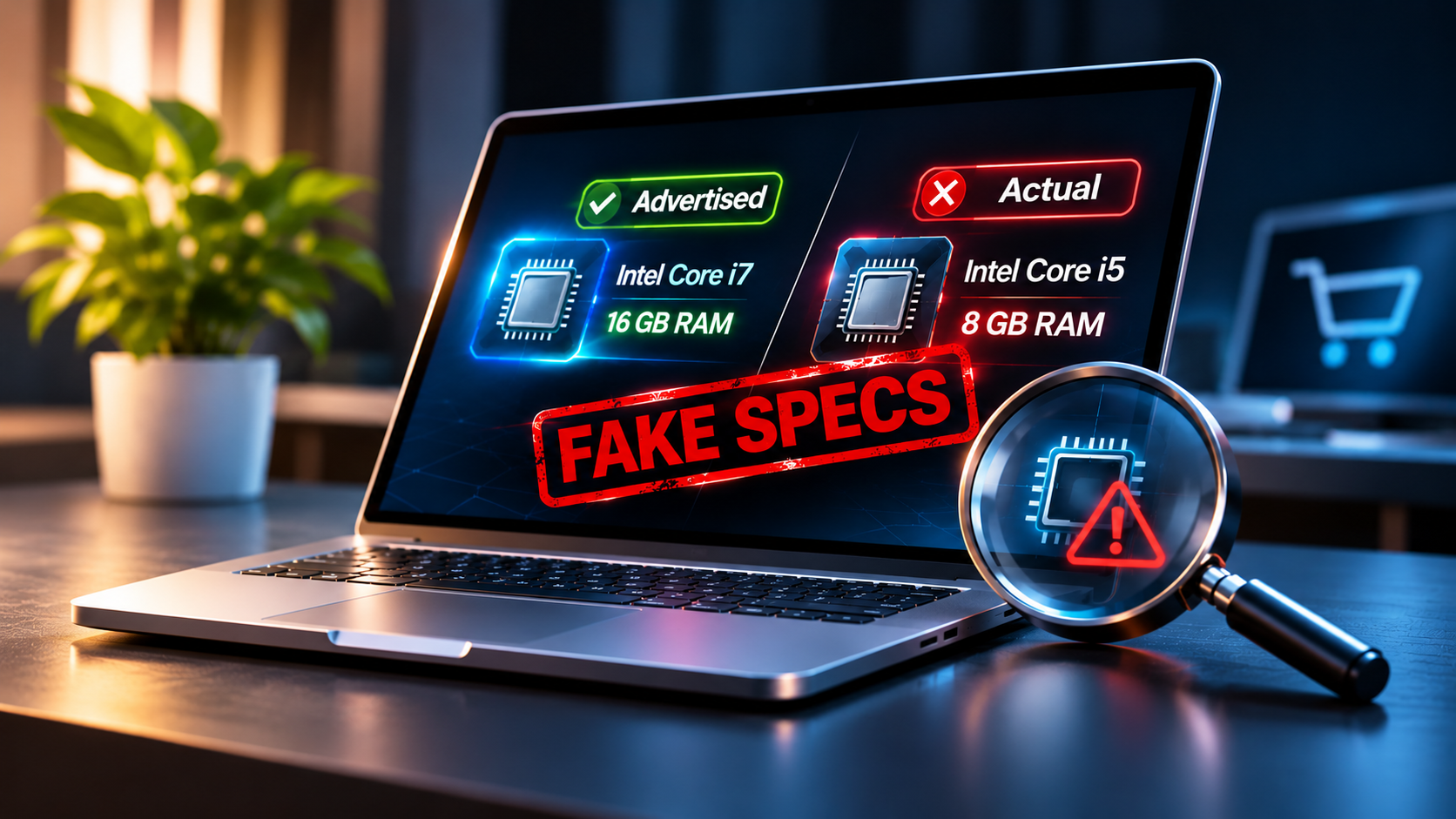



A laptop advertised with a powerful processor, 16GB of RAM, and fast storage may look like a great deal, but buyers cannot always trust the specifications displayed on its screen. Some dishonest sellers can manipulate software information, use misleading screenshots, or even modify firmware to make an older laptop appear to have better hardware.
The problem is not limited to fake product advertisements. In some cases, the processor installed inside a laptop has been found to be different from the model advertised by the manufacturer. This makes it harder for ordinary buyers to identify hardware fraud, especially when checking a laptop using Windows alone.
How Sellers Fake Laptop Specifications
One relatively simple trick involves changing the information displayed by Windows. The Windows Registry stores configuration settings used by the operating system and installed applications. Certain displayed hardware labels can be manipulated through Registry changes or modified system utilities.
For example, a processor name shown by a basic system information application might be changed to make an older CPU appear to be a newer model. However, changing a displayed name does not upgrade the actual processor, increase its processing power or add physical RAM.
More sophisticated manipulation can happen at the BIOS or UEFI firmware level. Firmware controls how the operating system communicates with hardware, including how certain processor identification information is reported. By modifying this information, a laptop can report an incorrect processor name even when Windows and several diagnostic applications are used to inspect it.
RAM specifications can also be misrepresented through edited screenshots, altered system information or misleading product descriptions. However, changing a Registry value cannot physically turn an 8GB memory configuration into 16GB.
Real Example: Chuwi Laptops Reported With Fake CPU Names
A notable example emerged in March 2026 when hardware testing website Notebookcheck reported a processor mismatch involving Chuwi laptops.
The Chuwi CoreBook X was advertised with an AMD Ryzen 5 7430U processor. However, when Notebookcheck opened its review unit and removed the cooling assembly, reviewers found an older Ryzen 5 5500U processor inside. The processor’s identification number, 100-000000375, confirmed the actual hardware.
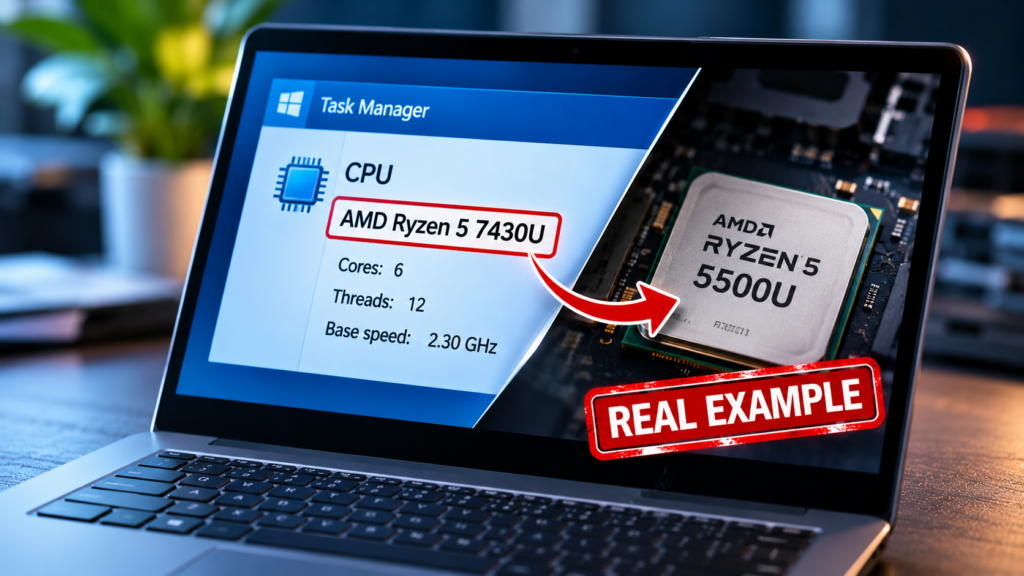
The surprising part was that Windows and the laptop’s BIOS displayed the advertised Ryzen 5 7430U name. This meant buyers could check the processor through ordinary system information screens and still receive misleading information.
Notebookcheck subsequently reported a similar mismatch in the Chuwi CoreBook Plus and an affected batch of Ninkear A15 Pro laptops. Its investigation found that firmware modifications could overwrite the processor name reported to Windows and several diagnostic applications.
Chuwi later said that a limited number of CoreBook X and CoreBook Plus devices had been assembled with incorrect processors because of a production error. The company offered affected customers a refund through their original retailer.
The case demonstrated that checking only Windows, Task Manager or even BIOS information may not always be enough to establish which processor is physically installed.
How to Check Whether Laptop RAM and CPU Are Genuine
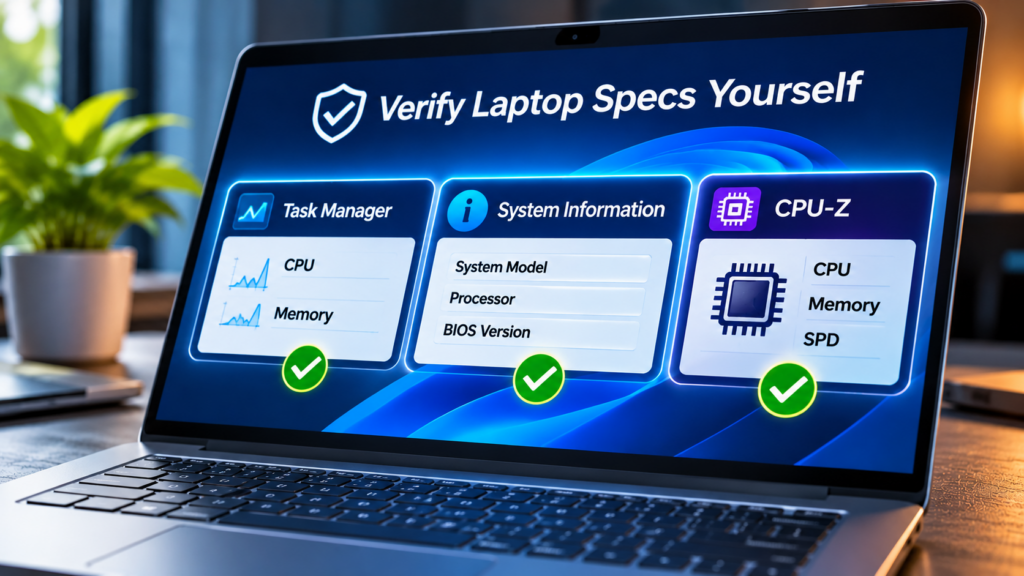
Before buying a new or second-hand laptop, check its hardware using more than one method.
Start by opening Task Manager with Ctrl + Shift + Esc and selecting Performance. Under CPU, check the processor name, core count, and logical processors. Under Memory, check the installed RAM capacity and reported speed.
Next, press Windows + R, type msinfo32, and press Enter. System Information provides details about the laptop model, processor, BIOS, and installed memory.
For a deeper inspection, download CPU-Z from its official website. Its CPU tab provides processor identification information, while the Memory and SPD tabs help inspect RAM configuration and individual memory modules where supported.
Importantly, download the latest version from the official CPUID website rather than using an application supplied by the seller. In March 2026, CPU-Z version 2.19 introduced a correction addressing misleading identification of certain AMD processors, demonstrating why keeping diagnostic software updated matters.
However, do not assume that every diagnostic application can detect every form of hardware manipulation. The Chuwi investigation showed how firmware-level changes could mislead multiple tools. Updated diagnostic applications can provide additional checks, but they should not be treated as absolute proof.
Check the Laptop Model and Manufacturer Records
Another useful method is checking the exact laptop model and serial number with the manufacturer’s official support service.
Ask the seller for the full model number, serial number and original invoice. Compare the advertised configuration with the manufacturer’s factory specifications. Some manufacturers provide configuration or warranty information based on the device’s serial number.
Do not rely only on a product sticker or a Windows screenshot. These can be changed, replaced or edited.
For second-hand laptops, ask the seller to demonstrate the device in person. Check its specifications after restarting Windows and inspect the hardware information yourself. A genuine seller should not have a problem allowing reasonable checks before payment.
How to Spot Fake RAM Specifications
RAM deserves separate attention because sellers sometimes advertise upgraded memory configurations that do not match the actual device.
Check the installed memory in Task Manager and use CPU-Z to inspect the available memory modules. Compare the reported capacity, memory type, speed and configuration with the manufacturer’s specifications.
If the laptop has removable RAM, a qualified technician can inspect the installed memory modules directly. For laptops with soldered RAM, checking the manufacturer’s original configuration using the serial number is particularly important.
Also check whether the advertised capacity is physical system memory or shared graphics memory. These are not the same thing, and a seller should not count shared graphics memory as additional installed RAM.
Warning Signs of a Laptop Hardware Scam
Be careful when a seller offers unusually powerful specifications at a price significantly below the normal market rate. Other warning signs include refusing to provide the exact model number, avoiding live hardware checks, showing only screenshots instead of allowing an inspection, or pressuring buyers to make advance payments.
Another concern is a laptop whose processor name looks impressive but whose performance does not match what reviewers report for that model. Benchmark results are not conclusive on their own because cooling, power settings and memory configuration can affect performance, but unusual results deserve further investigation.
Buyers should also be suspicious of inconsistent information across the product advertisement, original packaging, invoice and manufacturer’s official specifications.
What to Do If You Discover Fake Specifications
If a laptop does not contain the processor or memory configuration advertised by the seller, keep the original advertisement, payment records, invoice, serial number and screenshots of the inspection results.
Contact the seller immediately and request a refund or replacement that matches the advertised specifications. When purchasing through an online marketplace, report the listing and use the platform’s buyer-protection process where available.
If this article helped you, please consider supporting our work. Every small contribution keeps Abijita.com independent and running.

For expensive laptops or cases involving possible firmware manipulation, consider getting an independent inspection from a qualified technician before accepting the seller’s explanation.
The safest approach is to verify a laptop before paying rather than relying on the specifications displayed on its screen. A few additional checks can help buyers avoid spending money on hardware that was never actually installed inside the device.
Research references: Notebookcheck’s Chuwi investigation, Ninkear investigation and CPU-Z detection, Chuwi’s response, and CPUID CPU-Z.