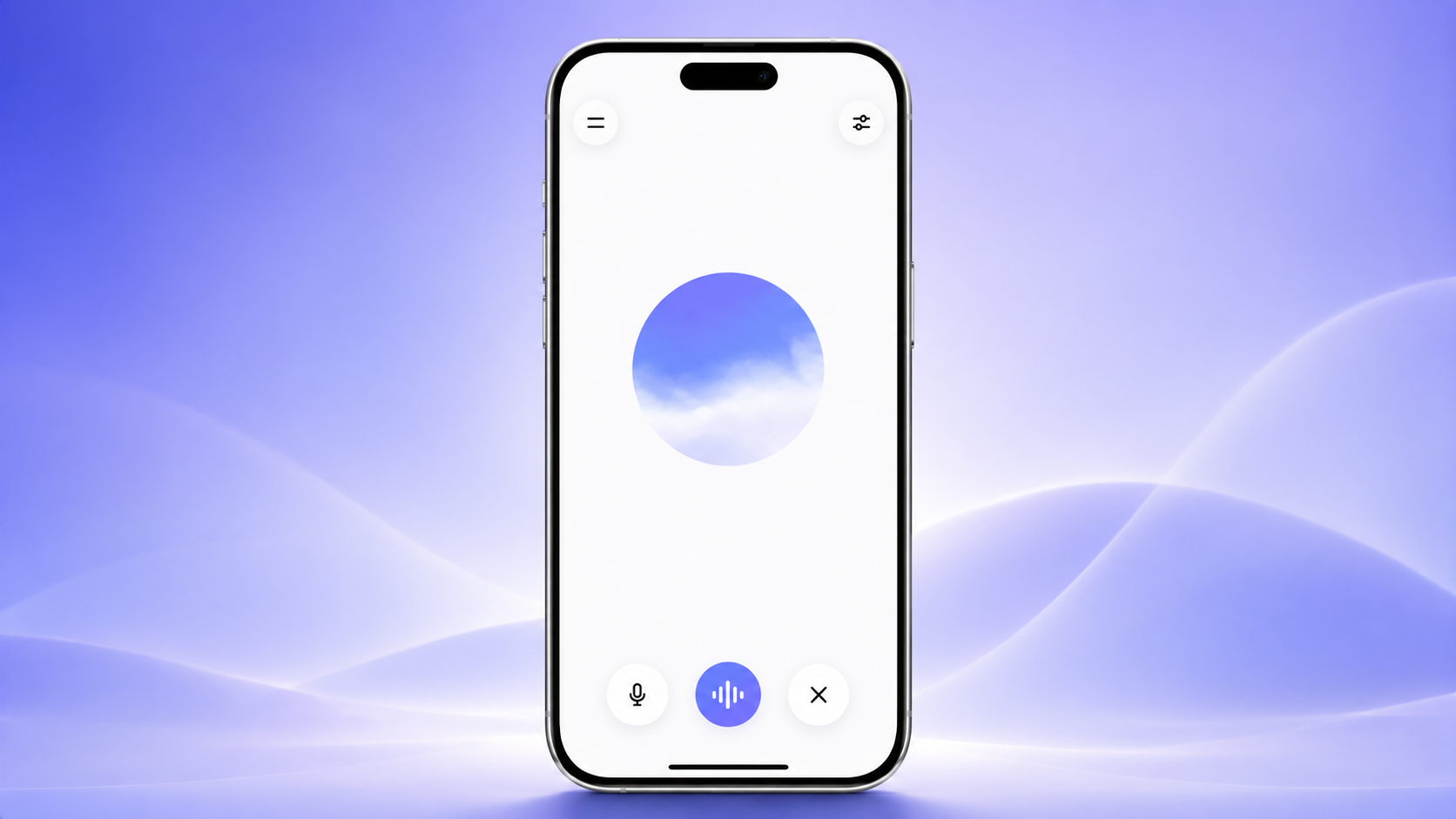
OpenAI has updated the ChatGPT desktop app with a new Voice mode that lets users speak naturally to ChatGPT and have it control AI agents while performing tasks on their computer.
The feature is powered by OpenAI’s new ChatGPT-Live voice models, which were introduced earlier this month.
The new Voice mode works with both ChatGPT Work and Codex, allowing users to complete tasks using spoken commands instead of typing. It can also use computer interaction capabilities to open websites, work with apps, and carry out multi-step actions directly from the desktop app.
On macOS, the feature includes support for Appshots, which allows ChatGPT to access what is visible on the user’s screen, including image alt-text, giving it more context when completing tasks.
ChatGPT Voice is now in the desktop app.
— OpenAI (@OpenAI) July 23, 2026
Control your computer and direct multiple agents running in ChatGPT Work or Codex, using just your voice.
It's powered by GPT-Live, so it can speak, listen, and coordinate work in the app at the same time.
Rolling out globally today… pic.twitter.com/ODZWKqecCf
When ChatGPT Voice first launched on smartphones, it focused on making conversations feel more natural with smoother speech and better interruption handling. However, the mobile version was designed mainly for conversations and could not directly perform actions on the device.
The new desktop version expands those abilities significantly. Users can now give complex voice instructions that include multiple steps, while ChatGPT can pause to ask for additional information whenever needed before continuing.
In a demonstration, OpenAI showed a developer using a single voice command to ask ChatGPT to create a new discussion thread, open a pull request, and identify the root cause of a software bug, highlighting how the feature can automate developer workflows.
OpenAI also confirmed that users can access ChatGPT Voice in Codex remotely through the ChatGPT app on iOS, making it possible to interact with desktop coding tasks using voice commands from a mobile device.
If this article helped you, please consider supporting our work. Every small contribution keeps Abijita.com independent and running.